
This guide walks you through building your first quote in Mastro — the whole flow, from standing in the customer's bathroom to walking out with a decision. Allow about 10–15 minutes the first time.
Before you start
You need two things: your Mastro account, and the customer's bathroom in front of you. No paperwork, no laptop — a phone or tablet is enough.
Step 1 — Capture the room
Open the quoting wizard and take one clear photo of the bathroom. Frame the whole room if you can; the render works best with a clean view of the walls and floor. For larger spaces, add a second angle.
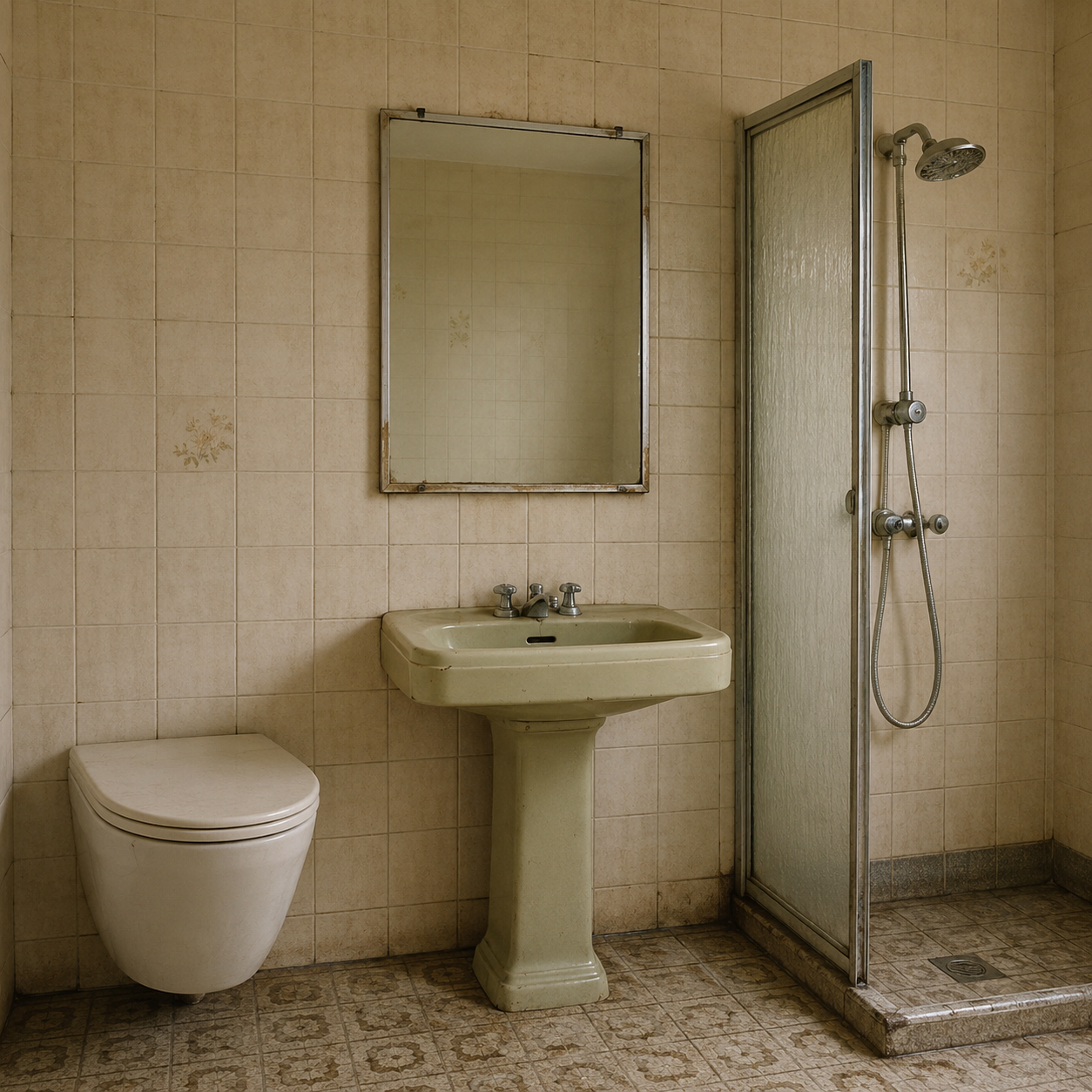 Tip: shoot before you start measuring — it keeps the customer's attention on the
outcome, not the disruption.
Tip: shoot before you start measuring — it keeps the customer's attention on the
outcome, not the disruption.
Step 2 — Set the scope
Tell the wizard what the job involves — a full strip-out and refit, a surface refresh, or something in between. This sets the baseline labour and demolition so the price reflects reality, not a generic template. Say the scope back to the customer out loud so there are no surprises later.
Step 3 — Choose materials
Pick tiles, fixtures and a suite from the catalogue. As you choose, the render updates so the customer sees their bathroom with the new finishes — and the price updates with it.
 What the customer sees: their own room, restyled with the finishes you picked
together.
What the customer sees: their own room, restyled with the finishes you picked
together.
Where a product has a real supplier price, the quote uses that live figure and cites it on the line — so the number is always referenceable, never a guess.
Step 4 — Review the price
The estimate breaks down into labour, materials and a buffer. Everything is a fixed price, not an hourly estimate. Want to show a cheaper or premium version? Adjust the scope or materials and the number moves instantly — ideal for presenting two clear options instead of one.
Step 5 — Close on-site
Show the customer the visual and the price together. If they're ready, they sign on the device and the quote becomes a job on your pipeline. If they need to think, it's saved as a warm lead you can follow up (see the follow-up cadence).
What happens next
A signed quote lands on your pipeline as a real project, with the room photo, the render and the signature stored against it. The customer gets a copy, and you get a job — usually before your competitors have sent their first email.
Next: understand exactly how the number is built in how pricing and buffers work.